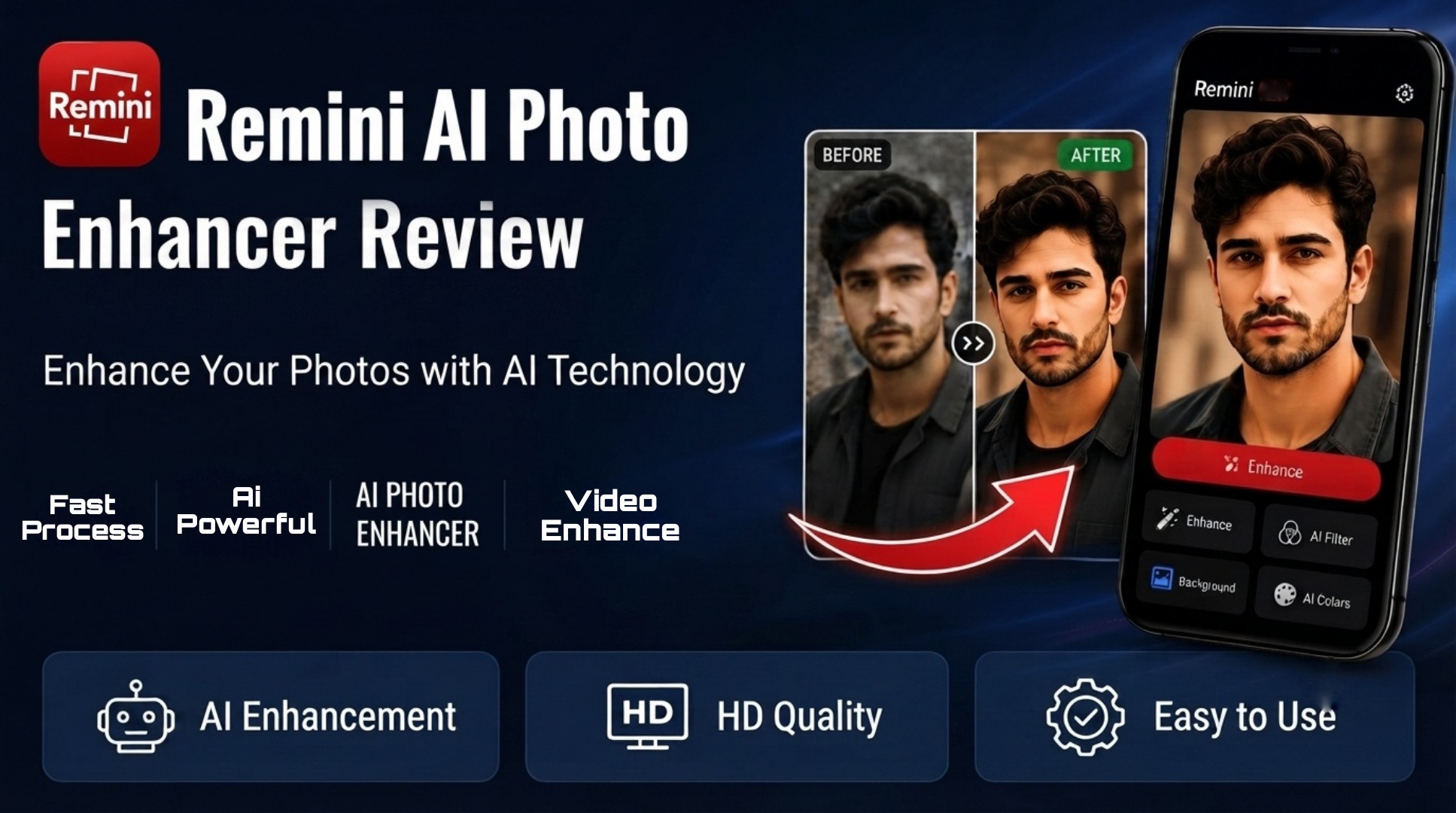
Learn how Remini App uses AI to convert blurry photos to 8K HD. Read our full review, features, and how to use the photo enhancer safely.
From Blur to 8K – See AI Magic
Remini App is an artificial intelligence based photo enhancement tool that has become very popular in the last few years. The main purpose of this app is to take old, blurry, or low quality images and make them clear and sharp using AI technology. Millions of people use Remini to restore old family photos, improve selfies, and increase the overall quality of pictures taken with low resolution cameras. The technology behind Remini high quality images.
When you upload a photo, the AI analyzes the faces, objects, and background details, and then reconstructs the missing parts to create a sharper and more detailed version. This process happens automatically within a few seconds and does not require any manual editing skills. Because of this, even beginners who have never edited a photo before can get professional looking results with just one tap. The app is available on both Android and iOS through the official Play Store and App Store, which makes it safe and easy to download for everyone.
Restore & Colorize Old Photos
Using Remini App is very easy and anyone can do it in less than a minute. Step 1 is to download the app from the Google Play Store or Apple App Store. Once installed, open the app and create a free account or continue as a guest. Step 2 is to select the photo you want to enhance from your phone gallery. You can choose old photos, screenshots, or any low quality image. Step 3 is to tap on the “Enhance” button. The AI will immediately start processing your image.
You will see a before and after preview on the screen. Step 4 is to save the enhanced photo to your device or share it directly to Instagram, WhatsApp, or Facebook. The app also lets you compare the original and enhanced version side by side so you can see the difference clearly. It is recommended to use photos where the face is clearly visible. The AI works best on portraits and selfies, but it also works well on general images like landscapes and objects.

Remini App AI Photo Enhancer
The biggest reason people love Remini App is because of its simple but powerful features. First, the AI Photo Enhancer can take a blurry image and convert it into a clear HD photo. This is especially useful for old printed photos that have faded over time. Second, the app has a face enhancer tool that focuses specifically on human faces. It smooths skin, sharpens eyes, and brings back facial details that were lost due to low resolution.
Third, Remini offers an 8K upscaling feature. This means you can increase the resolution of your image up to 8K quality, which is perfect for printing or posting on social media without losing clarity. Fourth, the app includes color restoration for black and white photos. The AI can intelligently add natural colors to old photos while keeping them realistic. Fifth, the editing process is very fast. Most photos are processed in 5 to 10 seconds depending on your internet speed. All these features are designed to work with one tap, so you do not need to learn complicated editing software to use them.
Perfect For Content Creators
Remini App is useful for a wide range of people. Photographers can use it to quickly improve client photos before delivering them. Content creators and social media influencers use it to make their posts look more professional and high quality. Families love using it to restore old memories and bring back clarity to pictures of grandparents and relatives.
Students and professionals also use it to enhance ID photos, certificates, and documents that were scanned in low quality. Even casual users who just want to improve their phone selfies find it very helpful. The app is designed for both Android and iPhone users, and it works on most modern smartphones without any lag. Because it is cloud based, your phone does not need high processing power. The heavy AI work is done on remote servers, so your device stays fast.

Image Quality Enhancement Explained
One of the most talked about features of Remini App is its ability to upscale images to near 8K quality. But what does that actually mean? 8K refers to a very high resolution where the image has over 33 million pixels. When you upload a low resolution photo, the AI does not just stretch it. Instead, it predicts and adds new details based on what it has learned from millions of other photos. For example, if your photo has a blurry eye, the AI will redraw the eye with proper shape, light, and reflection.
If the background is pixelated, the AI adds texture and sharpness to make it look natural. This is why the results often look much better than simple sharpening filters. You should understand that the final quality also depends on the original photo. If the original image is extremely damaged or too small, the AI can only do so much. But for most everyday photos, the improvement is very noticeable and looks professional.
Safety and Privacy of Remini App
Many users ask if Remini is safe to use. The answer is yes, as long as you download it from the official Play Store or App Store. The app uses secure servers to process your images. According to the official privacy policy, the app does not store uploaded photos permanently and deletes them after processing. This means Remini does not keep your personal photos on their servers for a long time.
The app also does not ask for unnecessary permissions. It only needs access to your gallery to select photos and to the internet to upload them for AI processing. Always make sure you use the official version of the app to avoid fake copies. Because major app stores list Remini as a legitimate application, it follows all data protection rules. If you are concerned about privacy, you can delete the app data from your phone settings after use.
Pros and Cons of Using Remini App
Like any app, Remini App has both advantages and limitations. The biggest pros are speed, ease of use, and impressive results. You can enhance a photo in seconds without any editing knowledge. The face restoration is one of the best in the industry right now. The app interface is clean and beginner friendly.
On the other hand, the free version has some limits on how many photos you can enhance per day. For unlimited use, there is a subscription plan. Also, the AI works best on photos with faces. For landscapes or objects, the improvement may be less dramatic. You need an internet connection because the app processes your photos in the cloud. Despite these small limitations, most users find the app worth it because of the quality it delivers.
From Trash Quality to DSLR Look
To get the most out of Remini App, follow these simple tips. Tip 1: Use the highest quality original photo you have. Even if it is blurry, a larger file gives the AI more data to work with. Tip 2: Crop the photo so the main subject, especially the face, is in the center. This helps the AI focus better. Tip 3: Avoid extremely dark or overexposed photos.
Good lighting in the original helps the AI create better details. Tip 4: Use the before and after slider to check which version looks better before saving. Tip 5: Do not overuse the enhancer on the same photo multiple times. One or two enhancements are enough to get a natural look. Following these tips will help you get professional results every time you use the app.
Remini App Photo Enhancer
There are many photo enhancer apps on the market, but Remini stands out because of its AI quality. Apps like Snapseed and PicsArt offer manual sharpening tools, but they require you to adjust sliders yourself. Remini does everything automatically. Other AI apps exist, but many of them add watermarks or produce unrealistic results.
Remini App keeps enhancements natural and realistic. Remini also offers better face detail recovery compared to competitors. Also, the Remini team updates the app regularly with new AI models, so the quality keeps improving over time.


